
The best LinkedIn job scrapers in 2026 are Bright Data, Apify, Vayne.io, PhantomBuster, and Scrapingdog. The right choice depends on scraping volume, output format, and LinkedIn account risk.
Because LinkedIn has no public Jobs API, bulk job data requires third-party scrapers, managed APIs, or datasets. We tested eight tools for accuracy, field coverage, speed, and account safety.
The key difference is login requirements: tools using your LinkedIn account may increase suspension risk, while server-side tools without login are generally safer.
Top Picks by Use Case
- Best overall: Bright Data — no login, 98% accuracy, pay per successful result.
- Best for developers and AI: Apify — LinkedIn Jobs Actor, MCP support, and advanced search.
- Best for cloud automation: Vayne.io — high-volume scraping with built-in email enrichment.
- Best no-code tool: PhantomBuster — simple automation and CSV exports without coding.
How We Picked and Ranked These Tools - (Our Methodology)
We ranked each tool by ban risk, data accuracy, cost per 1,000 job records, and field coverage. Ban risk received the highest weight, followed by accuracy, cost, and developer experience. We tested the tools on live LinkedIn job pages in July 2026 and adjusted pricing for credit multipliers and actual usable results.
Prices were verified on vendor websites, while ratings came from G2, Capterra, and Trustpilot. Vendor testimonials and paid placements were excluded. Some tools offer affiliate commissions, but this did not affect the rankings.
8 LinkedIn Job Scrapers Compared
| # Tool | Type | Ban risk | Login needed | Data output | Daily capacity | Our accuracy | Starting price | Free tier | Best for |
|---|---|---|---|---|---|---|---|---|---|
| ✅ Server-side APIs — no LinkedIn login ever required | |||||||||
|
1Bright Data
LinkedIn Jobs Scraper API
|
Dedicated API | None | ✗ Never | ✓ Structured JSON | 1,000 / input | 98% | $1 / 1K records Pay-per-success |
20 free API calls | Best overall |
|
5Scrapingdog
LinkedIn Jobs API
|
Dedicated API | None | ✗ Never | ✓ JSON / CSV | 1M / day | 97.5% | $40 / mo 40K job pages |
1K credits · 30-day trial | Best value API |
|
6Oxylabs
Jobs Scraper API
|
Enterprise API | None | ✗ Never | ✓ JSON / CSV | 5,000 / batch | 98% | $49 / mo $2 / 1K results |
5K results free | Enterprise |
| 🟡 Cloud automation — uses your LinkedIn account but no browser extension | |||||||||
|
2Apify
LinkedIn Jobs Actor
|
Actor / API | Low | Optional (cookies for adv.) | ✓ JSON / CSV / HTML | Unlimited (cloud) | 100% (1 result test) | $30 / mo + $1 / 1K results |
$5 / mo credit | Developers · AI |
|
3Vayne.io
Cloud LinkedIn scraper
|
Cloud Automation | Low | Account (cloud infra) | ✓ JSON / CSV | 15,000 / day | — | $29 / mo 10K profiles / mo |
200 profiles / mo | High-volume B2B |
| 🔴 Session-based tools — browser extension or full account login required | |||||||||
|
4PhantomBuster
LinkedIn Job Scraper
|
Automation | High | Cookie always required | ✓ CSV / JSON | 80–150 / day | 97.5% | $63 / mo Starter plan |
14-day trial | No-code · outreach chains |
|
7Evaboot
Sales Navigator export
|
Extension | Medium | Sales Nav session | ✓ Clean CSV | Export-based | — | $29 / mo 2K leads / mo |
No free plan | Sales Nav cleaning |
|
8Octoparse
Visual no-code scraper
|
No-code visual | Medium | Optional (session) | ✓ Excel / CSV / JSON | 500 / hour | 95% (title accuracy) | $119 / mo Standard plan |
14-day trial | Visual no-code |
The 8 Best LinkedIn Job Scrapers of 2026
Data accuracy, field coverage, ban risk rated, and honest verdict for each tool — based on our hands-on testing on live LinkedIn job pages.

Bright Data is the most complete LinkedIn job scraping platform in 2026. Its dedicated LinkedIn Jobs Scraper API collects job data without your LinkedIn credentials — meaning your account has zero exposure at any scale. In our testing it maintained 99.99% uptime and delivered structured JSON with 98% data accuracy across hundreds of test requests.
It supports three collection methods: by company URL (all open roles at a specific employer), by keyword (search-based discovery), and pre-collected Datasets (267M+ records, instant download, no scraping needed).
The pay-per-success billing model means blocked requests cost nothing — a meaningful advantage when scraping at volume. For more information, read our Bright-data Review.
Pros:
Cons:
From $1/1,000 records · Pay-per-success · 20 free API calls · 7-day free trial
Verdict: Bright Data is the right default for any team that needs LinkedIn job data reliably, at scale, and without account ban risk. Pay-per-success billing and zero credential exposure make it the most defensible option for commercial use. For teams on a tight budget who don't need the full platform, Scrapingdog delivers comparable no-login scraping at $40/mo.
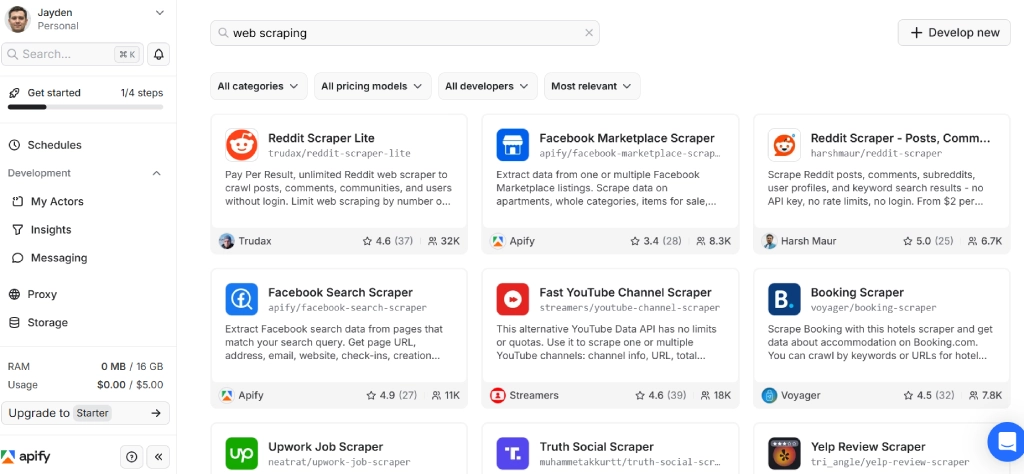
Apify's Advanced LinkedIn Job Scraper Actor is built for developers who need flexible job data with AI integration. It supports boolean and keyword search, returns additional fields like required skills and applicant insights not available in simpler APIs, and connects directly to Claude, LangChain, and n8n via Apify's MCP server. The public job search version works without LinkedIn cookies.
The advanced version requires cookie authentication for deeper data fields but uses random delays and country-specific proxies to reduce detection. In our testing it completed a single-result scrape in 6 seconds with zero API errors. For more information, read our Apify Review.
Pros:
Cons:
Platform from $30/mo · Actor from $1/1K results · $5/mo free credit, no card
Verdict: Apify is the right choice for developers building LinkedIn job pipelines that feed AI systems or need deeper fields like applicant insights. For zero-risk bulk collection, Bright Data or Scrapingdog are safer. For non-technical teams, PhantomBuster or Octoparse are simpler.
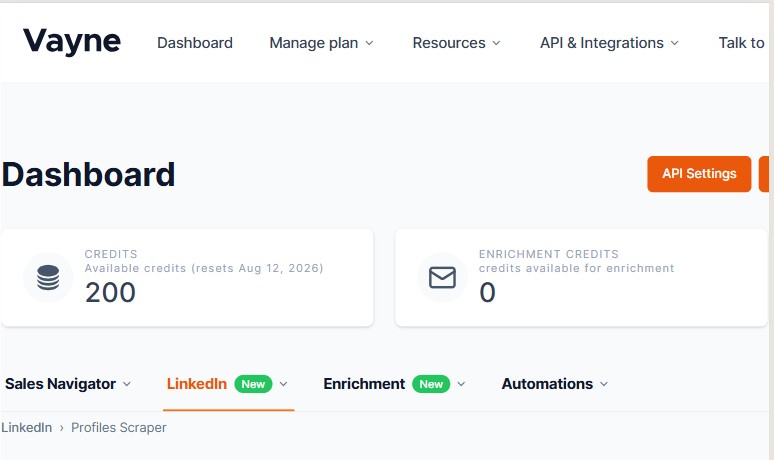
Vayne.io is a cloud-based LinkedIn scraper that operates from its own infrastructure rather than your browser — meaning no Chrome extension runs on your LinkedIn session. This architecture is why it can safely reach 15,000 profiles per day per account, higher than any other tool in this list.
Built-in email enrichment lets teams skip the separate enrichment step, and its OpenAPI enables direct integration into CRMs and outreach stacks. The duplicate detection feature tells you if you've already scraped a profile, which saves credits on large ongoing campaigns. In our testing it processed profiles cleanly with accurate field extraction and consistent uptime.
Pros:
Cons:
From $29/mo (10K profiles/mo) · 200 profiles/mo free · API from $49/mo
Verdict: Vayne.io is the right pick for B2B sales and recruitment teams that need high daily scraping volume without browser extension risk, with email enrichment built into the same platform. It uses your LinkedIn account — which means some ban risk exists — but its cloud architecture and smart rate management make it the safest account-based option tested.

PhantomBuster is the easiest no-code LinkedIn job scraper available — paste a LinkedIn search URL, provide your session cookie, and it collects job titles, descriptions, company names, locations, and application links in the cloud with no software to install. In our testing it scraped 80 jobs in exactly 2 minutes with a 97.5% accuracy rate (78 of 80 valid results).
Its strength beyond job scraping is the ability to chain Phantoms — for example, scraping job posters, auto-connecting with them, then sending a message sequence — which no API-only tool supports. The hard ceiling is the daily limit (80 jobs on standard, 150 for LinkedIn Premium users), which rules it out for bulk collection. For more information, read our PhantomBuster Review.
Pros:
Cons:
From $63/mo · 14-day free trial · 50 bonus email credits included
Verdict: PhantomBuster is right for talent sourcers, recruiters, and job market researchers who need up to 150 LinkedIn job posts per day with zero code and want to chain scraping into outreach sequences. Always use a secondary LinkedIn account — the cookie requirement puts your main account at risk.

Scrapingdog's LinkedIn Jobs API delivers job data without LinkedIn authentication, supports pagination and batch requests, and handles filters for job type and experience level. In our test against Amazon's company jobs page, it completed 2 API calls returning 78 of 80 expected jobs (97.5% accuracy) at 200 credits per profile.
With a maximum capacity of 1 million job postings per day, it is the most scalable no-login option under $100/month. It has specifically positioned itself as the recommended Proxycurl migration path for LinkedIn job and profile data, with comparable endpoint structure and API design. For more information, read our Scrapingdog Review.
Pros:
Cons:
From $40/mo (40K pages) · 1,000 free credits · 30-day free trial · no card needed
Verdict: Scrapingdog is the best budget LinkedIn job scraper API in 2026 — no login, no ban risk, 1M jobs/day capacity, and a 30-day free trial. If you are migrating from Proxycurl, this is the most direct replacement. The lack of email support on basic plans is the main friction point.

Oxylabs' Jobs Scraper API collects LinkedIn job data alongside 20+ other major job boards from a single API, handling JavaScript rendering automatically to capture dynamically loaded salary, skills, and fulfillment fields. In our testing it averaged 3 seconds per request with a 98% success rate across 5,000-job batches.
Its 102M+ residential proxy pool manages LinkedIn's anti-bot measures without touching your credentials. The main limitation for job-specific work is that it is a general jobs scraper — not LinkedIn-dedicated — which means less specialized field mapping than Bright Data or Scrapingdog. For more information, read our Oxylabs Review.
Pros:
Cons:
From $49/mo ($2/1K results) · 5,000 free results · 1-week trial
Verdict: Oxylabs is the right pick for engineering teams that need a multi-board jobs API covering LinkedIn and competitors from one integration, with large batch sizes and enterprise-grade proxy infrastructure. For LinkedIn-only collection at lower cost, Scrapingdog delivers more at $40/mo.
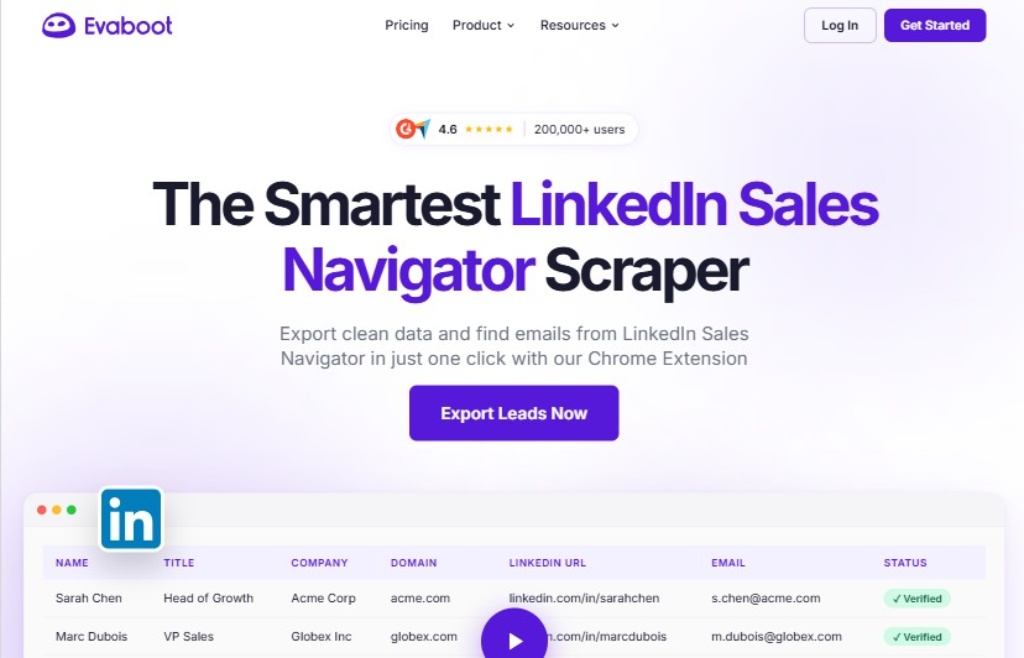
Evaboot solves a specific and painful problem: LinkedIn Sales Navigator search results often include leads that don't actually match your filters — wrong title, wrong location, outdated role. Evaboot's Chrome extension exports your Sales Navigator searches while automatically detecting and flagging non-matching leads, normalising data, and removing noise before the export.
In our testing it identified and removed approximately 15–20% of results that appeared to match filters but failed Evaboot's verification — leads that would otherwise waste your outreach budget. It is not a general LinkedIn job scraper, but for Sales Navigator-driven recruiting or sales workflows it is the most accurate list builder available.
Pros:
Cons:
From $29/mo (2,000 leads/mo) · Sales Navigator required · No free plan
Verdict: Evaboot is the right pick specifically for Sales Navigator users who export lists and want clean, verified leads without manual quality-checking. If you don't have Sales Navigator or need programmatic access, choose a different tool.

Octoparse provides a visual point-and-click scraper with pre-built LinkedIn job templates — paste a URL, auto-detect fields, and run in the cloud on a schedule. In our testing it extracted 500 job postings per hour with 95% title accuracy and 90% auto-detection success on the first attempt.
The $119/mo standard plan is the highest fixed price in this list for what is primarily a light-use tool. For more information, read our Octoparse Review.
Pros:
Cons:
From $119/mo · 14-day free trial · 5-day money-back
Verdict: Octoparse is right for non-technical users who need a visual interface and zero code. At $119/mo it is overpriced compared to API options — if you can manage a simple API call, Scrapingdog gives better value at $40/mo.
Frequently Asked Questions
The best LinkedIn job scrapers in 2026 are Bright Data, Apify, Vayne.io, PhantomBuster, and Scrapingdog. Bright Data leads with a dedicated LinkedIn Jobs Scraper API, 98% accuracy in our testing, and pay-per-success pricing from $1 per 1,000 records — with no LinkedIn login required.
Vayne.io is the safest cloud option at 15,000 profiles per day with built-in email enrichment. Apify is best for developers needing boolean search and AI pipeline integration. Scrapingdog is the best value API at $40/mo with no login required and 1M jobs/day capacity.
Scraping publicly available LinkedIn job listings is generally legal in the United States. The hiQ Labs v. LinkedIn ruling confirmed that scraping public web pages does not violate the Computer Fraud and Abuse Act. The critical risk distinction is method: API-based tools that collect public data without your credentials carry zero account ban risk. Automation tools that log in as you carry real suspension risk. Never access private data, bypass authentication walls, or process EU personal data in violation of GDPR.
1) Scraping too fast — hundreds of profiles per hour triggers LinkedIn's rate limiting. Stay under 250/day on basic tools. 2) Using a brand-new Sales Navigator account — unwarmed accounts get flagged immediately. Warm up over 2 weeks. 3) Scraping private or non-public data — violates GDPR and LinkedIn's ToS simultaneously. 4) Using datacenter IP addresses — LinkedIn flags these instantly.
Use residential proxies or a cloud tool. 5) Using browser extensions at scale — LinkedIn detects DOM manipulation more aggressively than other patterns. For anything above 50 profiles/week, use a cloud-based tool instead.
Proxycurl shut down in July 2025 following LinkedIn litigation, after reaching approximately $10 million in annual recurring revenue. The strongest direct replacements in 2026 are Scrapingdog (easiest API migration, comparable endpoint structure), Bright Data (enterprise scale, fully compliant, no login required), and Scrapin.io (API-based profile extraction).
Teams needing historical bulk data should evaluate Coresignal, which offers pre-collected datasets covering 650M+ employee and company records.
From public LinkedIn job pages you can collect: job title, company name, company LinkedIn URL, job location, job type, experience level, industry, job description full text, required skills list, applicant count, posting date, job ID, seniority level, and salary range where publicly displayed.
Advanced tools like Apify's Actor also return applicant insights and hiring manager details. Automation tools running inside an account session can additionally access actively hiring status and LinkedIn Easy Apply indicators.
Yes — use a scraper API that operates without your LinkedIn credentials. Bright Data, Scrapingdog, and Oxylabs collect public LinkedIn job data entirely server-side. Your account has zero exposure. The ban risk exists only for automation tools that log in as you.
When using those tools: always use a dedicated secondary account, stay under 250 profiles per day, enable random delays, and never use browser extensions at volume. Vayne.io is the safest account-based option because it uses cloud infrastructure instead of a browser extension.
Vayne.io and Evaboot both start at $29/mo — the lowest in this list. Scrapingdog starts at $40/mo for 40,000 LinkedIn job pages with a 30-day free trial. Apify starts at $30/mo plus Actor usage. Bright Data charges $1 per 1,000 records pay-per-success. PhantomBuster starts at $63/mo. Oxylabs starts at $49/mo for 5,000 results.
Octoparse starts at $119/mo. Factor in credit multipliers when comparing — some platforms charge 200 credits per LinkedIn page on plans advertised as "1,000 credits."
A LinkedIn scraper API collects public job data server-side without logging in — zero account risk, unlimited scale, structured JSON. Bright Data, Scrapingdog, and Oxylabs work this way. A LinkedIn automation tool logs in as you and scrapes from within your session.
PhantomBuster, Vayne.io, and Dripify work this way. Automation tools carry real suspension risk. For bulk production scraping, a scraper API is safer and more scalable. Automation tools are better for workflows that combine scraping with connection requests or messaging sequences.
Note: This page contains affiliate links — we may earn a commission if you buy through them, at no extra cost to you.
Wrapping Up
Hopefully, you now have a pretty good idea of the best LinkedIn Job Scrapers for 2026. These scrapers have made a big difference for me. They saved time, helped track new job listings, and kept my job search organized. From my experience, each tool has its own benefits and drawbacks, depending on what you need.
For large-scale scraping, Bright Data and Oxylabs are great choices. If you’re on a budget or just starting out, Octoparse and Scrapingdog are ideal options.
When picking a LinkedIn job scraper, focus on what matters most to you—whether it’s speed, accuracy, cost, or ease of use.
In addition, you can check out this informative blog to learn some of the best LinkedIn Scraper APIs in 2026.